Wallets
Every balance in one place
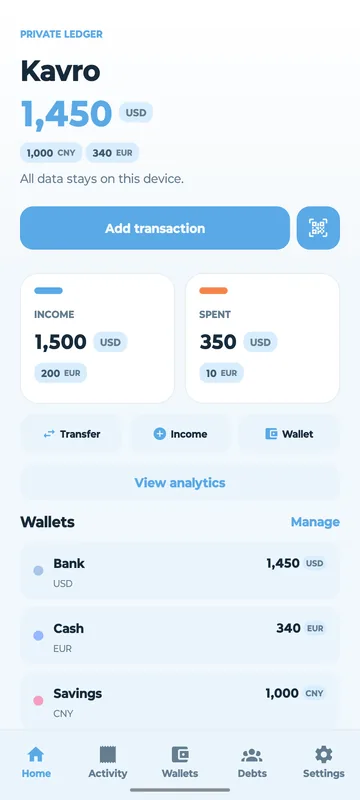
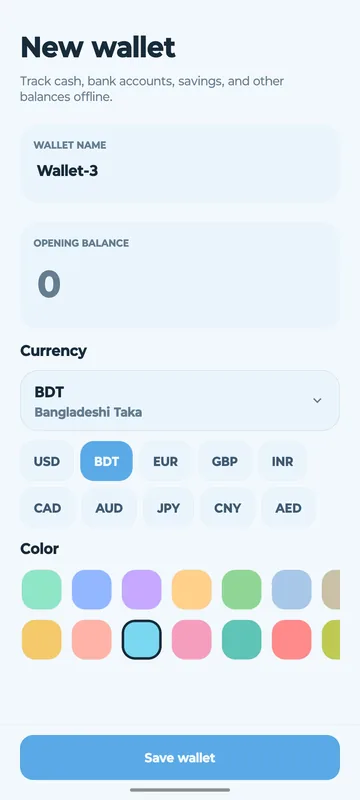
Keep cash, bank accounts, cards and digital wallets side by side, each in its own currency, with live balances across all of them.
- Multi-currency support for travel and international use
- Transfer money between wallets in a tap
- Colour-code wallets so they’re easy to spot
Expenses & income
Log it in seconds, find it in a flash
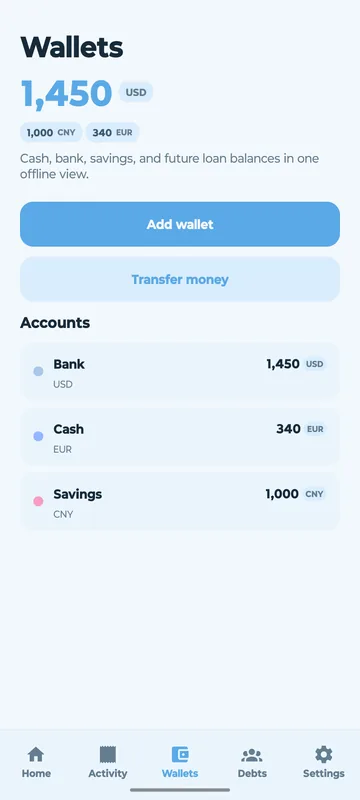
Record every expense and income, categorise it, and search your full history whenever you need it.
- Categorised transactions for clear spending insights
- Recurring transactions for rent, subscriptions and salary
- Scan receipts with on-device OCR, no cloud processing
Budgets
Spend with guardrails
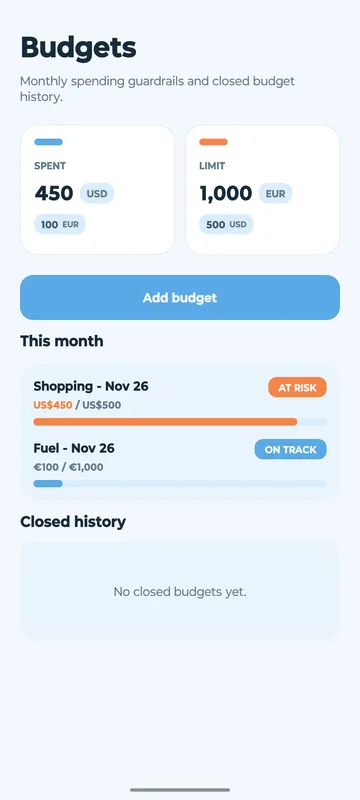
Set monthly budgets by category and watch progress in real time, so you see trouble coming before you overspend.
- At-a-glance status: on track or at risk
- Monthly budgets with closed-budget history
Debts & loans
Never lose track of who owes what
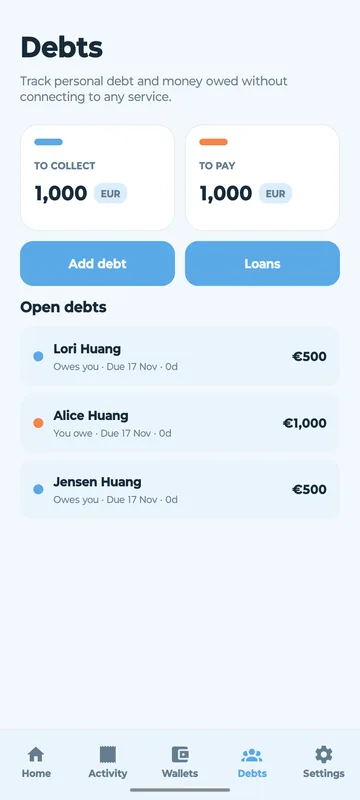
Track money you’ve borrowed and money you’ve lent, manage repayment schedules, and get due-date reminders.
- Separate totals for “to collect” and “to pay”
- No bank connection or third-party service
Savings goals
Save for what matters
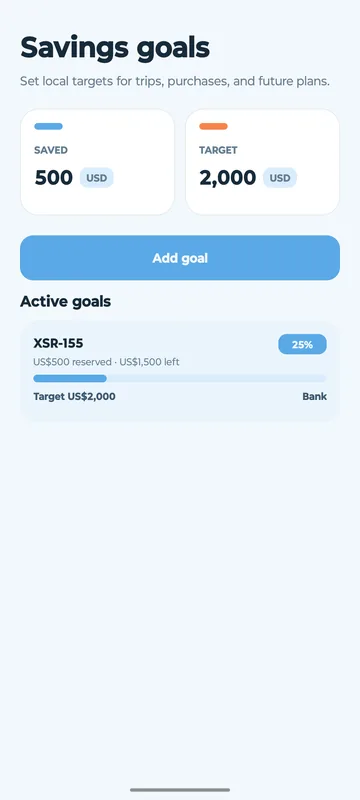
Set goals for an emergency fund, a trip or a big purchase, reserve money toward them, and track progress visually.
- Clear milestones and remaining amounts
- Goal reservations stay stored locally
Net worth
See the whole picture
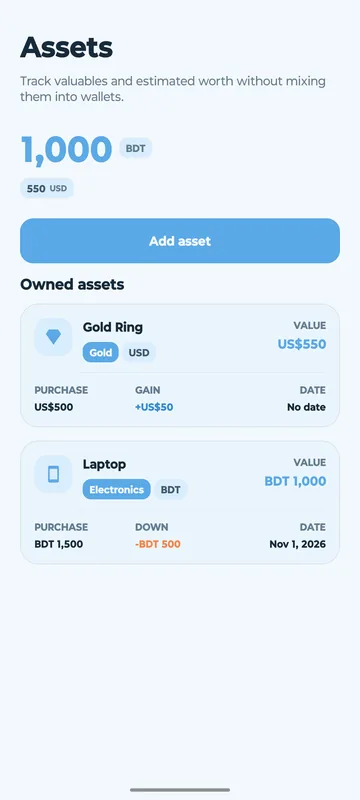
Track property, vehicles, electronics, gold and investments separately from your wallets, with purchase value, current value and gain or loss.
- Your complete net worth in one place
- Assets in any currency
And more
Everything a money manager needs
Analytics & reports
Category breakdowns, income trends and cash-flow reports show where your money goes.
Recurring & reminders
Automate daily, weekly and monthly transactions and get bill and due-date reminders.
Receipt scanner
Scan with your camera or import from the gallery. Text extraction runs entirely on your device.
Encrypted backups
Local, encrypted and schedulable. Restore on any device.
Export to CSV
Send transactions to a spreadsheet or your accountant, by month or custom date range.
Biometric lock
Optional fingerprint or face unlock keeps your finances for your eyes only.
Privacy by design
Most money apps sell your spending data. Kavro doesn’t.
No account
Nothing to register, nothing to log into.
No cloud
Local SQLite storage. Your data stays on your phone.
No ads or analytics
No tracking SDKs of any kind.
No bank linking
Kavro never asks for your bank credentials.
Questions, answered
Does Kavro need an internet connection?
No. Kavro is offline-first and works fully without internet.
Where is my data stored?
On your device, in local SQLite storage. There’s no account and no cloud sync. Optional backups are encrypted and stored locally.
Can I move to a new phone?
Yes. Create an encrypted backup and restore it on any device.
Is Kavro free?
Kavro is free to download, with an optional Premium upgrade available as an in-app purchase.
Which platforms are supported?
Kavro is currently available on Android through Google Play.